

Imagine sitting at a café in Adelaide or relaxing by the beach with your brand-new iPhone 17 Pro Max. Everything is fine until your phone suddenly slips from your hand and lands in water. Panic sets in instantly. Will it still work? Are your photos, contacts, and important files safe?
While the iPhone 17 Pro Max offers impressive water resistance, it is not completely waterproof. Once liquid enters the device, internal components can begin to suffer damage within minutes. Acting quickly can make the difference between a simple fix and an expensive repair.
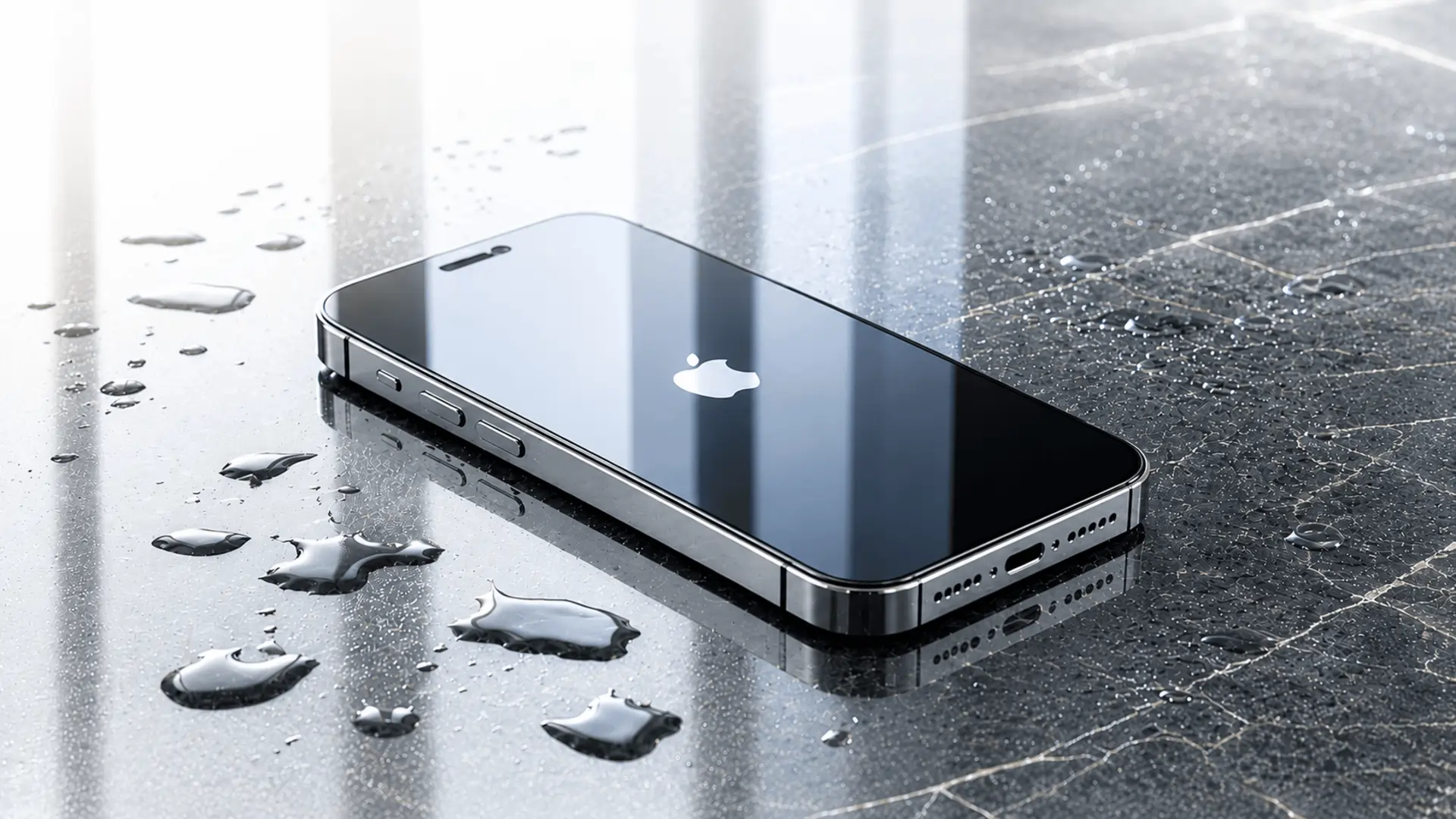
If you need iPhone 17 Pro Max water damage repair, the first few steps you take are critical. This guide explains exactly what to do immediately after water exposure, what mistakes to avoid, and when professional repair becomes necessary.
What is iPhone Water Damage?
When we talk about water damage, we mean that liquid has found its way inside the outer shell of your iPhone 17 Pro Max. Once inside, the liquid touches the delicate electronic parts that make your phone run.
Understanding Water Resistance vs. Waterproof
It is very important to know that the iPhone 17 Pro Max is water-resistant, not waterproof. Apple designs these devices with special rubber seals and glues around the edges, the SIM tray, and the ports. This design gives the phone an IP68 rating under international standards.
An IP68 rating means that when the phone is brand new, it can survive being in up to 6 metres of clean, fresh water for up to 30 minutes.
But there is a catch. This protection is only tested in a quiet lab with fresh water. It does not stay perfect forever. As you use your phone every day, drop it on the ground, or expose it to heat, those protective seals slowly wear out and become weak.
Why Liquid Harm Matters to Your Phone
Your phone runs on electricity. The battery sends tiny electric currents through small metal paths inside the device.
If water gets inside while the phone is running, it creates a shortcut for the electricity. This is called a short circuit. It can burn out the main board instantly.
Even if the phone does not die straight away, water causes rust and corrosion over the next few days. The minerals in the water eat away at the metal parts until the phone stops working completely. For a deeper understanding of how liquid damage affects smartphones, check this guide on water-damage-fix.
Caption: Liquid can easily get into the small ports and speaker holes of your iPhone.
Common Causes of Liquid Accidents in Australia
We take our phones everywhere, which means they face many dangers throughout the day. Here are the most common ways Aussie iPhones get wet:
- The Coastal Swim: Dropping the phone into saltwater at places like Bondi Beach or St Kilda. Saltwater is much worse than freshwater because salt conducts electricity faster and speeds up rust.
- Bathroom Drops: Fumbling the phone into the toilet, the bath, or splashing it near the bathroom sink while getting ready in the morning.
- Kitchen Spills: Knocking over a glass of water, a hot cup of tea, a sugary soft drink, or a morning flat white coffee right onto the screen.
- Heavy Rain and Storms: Using the phone outside during a sudden downpour without proper cover.
- High Humidity: Leaving the phone in a steamy bathroom while taking a hot shower. Steam can bypass the water seals much more easily than liquid water.
The Big Mistakes Most People Make (What NOT to Do)
When a phone gets wet, people often panic and try things they read online. Sadly, some of the most popular internet tips will actually destroy your iPhone 17 Pro Max faster. Avoid these major mistakes at all costs.
The Rice Myth
Everyone has heard that you should put a wet phone in a bowl of uncooked rice. This is a very bad idea. Rice cannot pull moisture out from deep inside a sealed phone fast enough.
Even worse, rice is full of tiny dust particles and starch. This fine dust gets inside the charging port and speaker holes, mixing with the water to create a thick paste that glues the internal parts together.
Adding External Heat
Do not use a hair dryer, a heater, or put your phone in the oven or microwave to dry it out.
The iPhone 17 Pro Max has a very sensitive screen and battery. High heat will melt the glue holding the screen down, ruin the water seals completely, and destroy the battery cell.
Shaking the Device
It feels natural to shake the phone to try to get the water out of the ports. Do not do this. Shaking the phone just moves the water drops around inside, pushing the liquid deeper into parts that were originally dry.
Plugging in the Charger
Never plug a wet phone into a charging cable. If there is water inside the charging port, sending electricity through it will instantly fry the power system of your phone.
Actionable Steps: What to Do Immediately
If your iPhone 17 Pro Max just got wet, follow these steps in order. Acting calmly and quickly will give your phone the best chance to survive.
Step 1: Get it Out and Turn it Off
Take the phone out of the liquid immediately. If the phone is still turned on, turn it off straight away. Do not check your notifications or test the camera. Turn it off and leave it off. If it is already off, do not try to turn it on to see if it works.
Step 2: Remove the Case and Accessories
Take off any protective case, wallet attachments, or screen guards that might be trapping water against the phone’s body.
Step 3: Wipe the Outside Dry
Use a soft, clean towel or a microfiber cloth to wipe away all visible water from the screen, back, and sides of the phone.
Step 4: Deal with Other Liquids (If Needed)
If you dropped your phone in something that is not clean water like beer, soft drink, coffee, or salt water gently wipe the affected area with a damp cloth using a tiny bit of fresh tap water to get the sticky residue or salt off, then dry it again with a towel.
Step 5: Drain the Charging Port
Hold the phone with the charging port facing down towards the ground. Gently tap the phone against the palm of your hand to shake out any loose water drops from the port.
Step 6: Leave it in a Dry Area with Airflow
Place the phone flat on a dry towel in a well-ventilated room. If you have a fan, place the phone so that the fan blows cool air directly into the bottom port. Leave it there for at least 24 to 48 hours to dry completely.
Caption: Leaving your phone in a dry area with a cool fan is the safest way to remove moisture.
Signs that Your iPhone Has Internal Damage
Sometimes, water gets past the seals, and you do not realize it until things start acting weird. Watch out for these warning signs:
- The Screen is flickering: You see green lines, dark spots, or the screen keeps flashing on and off.
- The Cameras Look Foggy: You look closely at the front or back camera lenses and see tiny drops of water or mist trapped underneath the glass.
- Liquid Detection Alert: When you try to charge the phone later, a warning message pops up on the screen saying liquid has been detected in the connector.
- The Phone Gets Hot: The back of the phone feels unusually warm even when you are not using it. This is a sign of a short circuit inside.
- Speakers Sound Muffled: When you play a sound, it sounds distant, crackly, or completely silent.
If you notice any of these symptoms, do not ignore them. Water damage often gets worse over time, even when the phone appears to be working normally. Seeking a professional water-damaged phone solution as soon as possible can help prevent further internal damage and improve the chances of a successful repair.
The Long-Term Benefits of Proper Water Care
Taking the right steps straight away saves you money and stress. Here is what you gain by handling a wet phone correctly:
- You Save Your Data: Your family photos, work files, and important messages stay safe when you stop water from destroying the storage chip.
- Lower Repair Bills: Fixing a phone that was turned off quickly is much cheaper than buying a whole new device or replacing a completely fried motherboard.
- Longer Phone Life: Proper drying stops rust from slowly killing your phone over the coming months, meaning you can keep using your iPhone 17 Pro Max for years.
When to Seek Professional Assistance
While drying your phone at home works for small splashes, there are times when you must get expert help.
If your phone was completely submerged in saltwater or if you see fog inside the camera lens, home drying will not save it. The salt and trapped moisture will slowly destroy the insides, even if the phone seems okay today.
Professionals have special tools to safely open up the iPhone 17 Pro Max without damaging the premium screen. They can clean out the water, remove salt deposits, use professional drying chambers, and replace broken parts safely. If you are looking for reliable iPhone repair services in Adelaide, trained technicians can diagnose hidden water damage before it causes more serious problems. Trying to open the phone yourself at home will break the delicate glass and void your consumer rights.
Frequently Asked Questions
Q: Can I use a wireless charger if my iPhone has water damage?
A: No. Even though wireless charging does not use the bottom port, it creates extra heat inside the phone. If there is water inside the device, this heat will speed up corrosion and can cause the liquid to turn into steam, spreading the damage to other clean areas.
Q: How do I check if my iPhone 17 Pro Max has water damage?
A: Apple installs a Liquid Contact Indicator (LCI) inside the phone. On models with a SIM tray, you can pop out the tray and look inside the slot using a torch. If the little indicator has turned bright red, it means water has entered the phone.
Q: Is water damage covered by the standard Apple warranty?
A: No. Apple’s standard one-year warranty does not cover liquid damage, even though the phone has an IP68 water resistance rating.
Q: How long should I wait before turning my wet iPhone back on?
A: You should wait a minimum of 24 to 48 hours. Even if the outside looks completely dry, water can stay trapped inside small gaps for days. Turning it on too early is the biggest reason why wet phones break permanently.
Conclusion
Dropping your iPhone 17 Pro Max into water is a stressful experience, but it does not have to mean the end of your device. By staying calm, turning the phone off immediately, avoiding bad advice like using rice or hair dryers, and letting it dry naturally with good airflow, you give your phone the absolute best chance of survival. If your phone took a deep dive, or if you see warning signs like foggy cameras or a glitching screen, the best choice is to get it looked at by experts who know how to handle delicate Apple hardware.
For quick assessment and high-quality phone care across Australia, you can trust the experienced team at Sam Phone Repair to clean, dry, and fix your device properly. If you are experiencing any of these issues, do not wait for the damage to get worse. Contact us today for a professional inspection and fast repair solutions. Simply fill out the contact form, and one of our technicians will get back to you as soon as possible.