

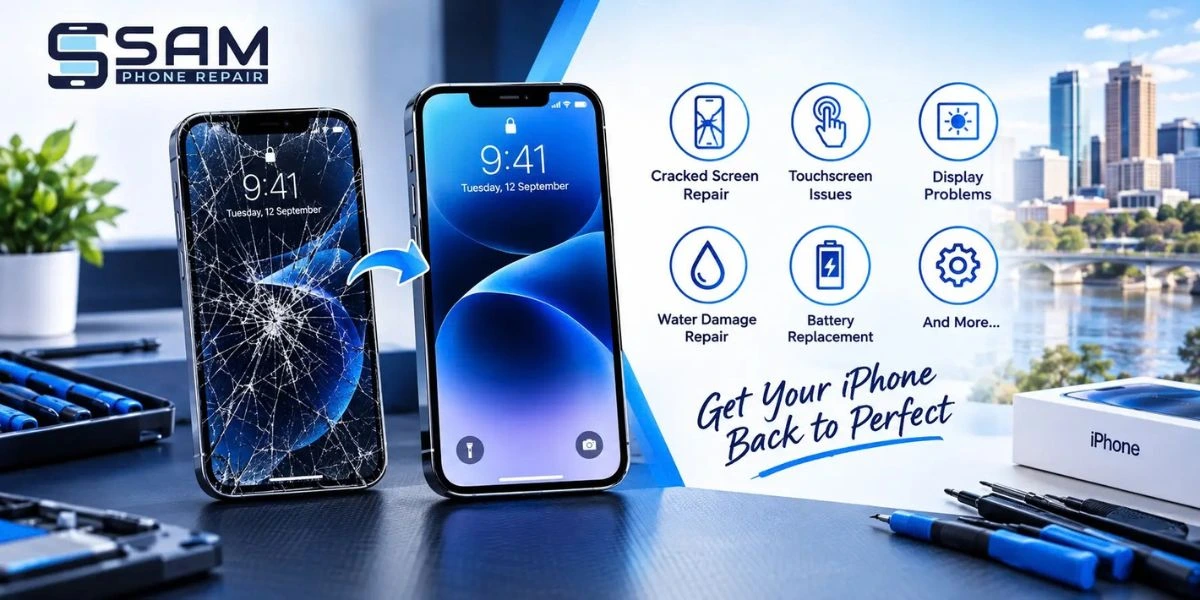
Your iPhone is something you use every day for calls, messages, work, photos, banking and entertainment. So, when the screen becomes cracked, unresponsive or starts showing strange display problems, even a small issue can quickly become frustrating.
From accidental drops to water exposure and touchscreen problems, iPhone screens can experience different types of damage. The good news is that many of these problems can be diagnosed and repaired by an experienced technician.
If you are looking for iphone screen repair Adelaide, understanding the common screen problems and available repair solutions can help you decide when professional assistance is needed.
1. Cracked or Shattered iPhone Screen
A cracked screen is one of the most common iPhone problems. A phone can easily slip from your hand, fall from a table or be damaged inside a bag. Even a small impact can create cracks across the display.
A minor crack may initially seem like a cosmetic issue, but it can become worse with everyday use. Cracks can also affect touchscreen responsiveness and may allow dust or moisture to reach internal components.
Solution: For serious cracks, iPhone screen replacement in Adelaide may be the most practical solution. A technician can inspect the display and determine whether the screen needs replacement.
Sam Phone Repair provides iPhone repair services for cracked and broken screens and aims to complete many repairs quickly, depending on the device and issue.
2. Unresponsive or Slow Touchscreen
1. Cracked or Shattered iPhone ScreenYour iPhone is something you use every day for calls, messages, work, photos, banking and entertainment. So, when the screen becomes cracked, unresponsive or starts showing strange display problems, even a small issue can quickly become frustrating.Does your iPhone screen sometimes fail to respond when you tap or swipe? You may notice that certain areas of the screen do not register touch properly.
This can happen because of physical screen damage, internal display problems or other hardware and software issues. If the problem started after dropping your phone, the screen or its internal connections may need to be inspected.
Solution: Restarting your iPhone and checking for software updates can sometimes resolve temporary issues. However, if the touchscreen remains unresponsive, professional diagnostics are recommended.
An experienced technician can check whether the issue is related to the display, touchscreen or another internal component and recommend the appropriate repair.
3. Flickering or Flashing Display
A screen that flickers, flashes or randomly changes brightness can make your iPhone difficult to use. This problem may appear 1. Cracked or Shattered iPhone ScreenYour iPhone is something you use every day for calls, messages, work, photos, banking and entertainment. So, when the screen becomes cracked, unresponsive or starts showing strange display problems, even a small issue can quickly become frustrating.after physical damage or may develop because of an internal hardware fault.
Sometimes a software issue can also cause display behaviour that looks unusual.
Solution: Start by restarting the iPhone and checking whether the problem continues. If the display keeps flickering, professional inspection can help identify the cause.
Avoid continuing to use a seriously damaged phone if the display problem is getting worse. Early attention can help identify the issue before additional components are affected.
4. Black Screen but the iPhone Is Still On
Another frustrating problem is a completely black display even though the iPhone appears to be working. You may hear notifications, feel vibrations or receive calls, but nothing appears on the screen.
This can happen because of a display failure, physical damage, connection problem or software issue.
Solution: Try restarting the device first. If the phone continues to operate but the display remains black, a technician can inspect the screen and internal components.
Professional iphone repairs Adelaide services can help determine whether the problem requires a screen replacement or another type of repair.
5. Lines, Spots or Discolouration on the Screen
Vertical or horizontal lines, black spots, bright patches and unusual colours are signs that the display may be damaged.
These problems can appear after an impact or pressure on the screen. In some cases, the display may continue working for a while before the problem becomes more noticeable.
Solution: If the lines or spots remain after restarting your iPhone, the display should be professionally assessed. Depending on the condition of the screen, replacement may be recommended.
A professional mobile phone repair Adelaide technician can check the device and identify whether the screen itself or another component is responsible.
6. Ghost Touches
Ghost touch occurs when your iPhone appears to tap or swipe on its own. For example, apps may open without you touching them, the keyboard may type unexpectedly, or the screen may scroll by itself.
A damaged touchscreen is one possible cause, particularly when ghost touches begin after the phone has been dropped or cracked.
Solution: Restart your iPhone and check for software updates. If ghost touches continue, avoid entering passwords or making sensitive transactions until the issue is investigated.
A damaged display may require professional repair or screen replacement.
7. Screen Damage After Water Exposure
Although modern iPhones have water-resistance features, liquid exposure can still cause problems, particularly when the dev1. Cracked or Shattered iPhone Screenice has existing physical damage or has been exposed to significant moisture.
iPhone water damage may affect the screen, charging system, speakers, buttons and internal components. Sam Phone Repair provides water-damage repair services that include diagnostic assessment, cleaning and drying, component repair or replacement, data recovery solutions and testing.
What should you do after water exposure?
Turn the iPhone off if possible and avoid charging it. Do not repeatedly turn it on to check whether it works. Instead, have it assessed by a professional as soon as practical.
Quick action can help reduce the risk of further internal damage.
8. When Should You Choose Screen Replacement?
Not every screen problem looks the same. A small crack, completely broken display and touchscreen failure may require different solutions.
You should consider professional assessment if you notice:
- A large or spreading crack
- Unresponsive areas on the touchscreen
- Ghost touches
- Black spots or lines
- Display flickering
- A completely black screen
- Damage following a drop or impact
- Screen problems after liquid exposure
Professional technicians can inspect the iPhone and recommend whether repair, iPhone screen replacement in Adelaide, or another solution is appropriate.
Why Choose Sam Phone Repair for iPhone Repairs?
Choosing the right repair provider can make the process easier and more convenient. Sam Phone Repair offers a range of iPhone repair services, including cracked screen repairs, battery replacement, back glass replacement, charging port repairs, water damage, camera repairs, software issues, data recovery and speaker or microphone repairs.
The company states that its technicians are experienced in handling different iPhone models and uses diagnostic processes to identify repair requirements. It also aims to complete many repairs in under 45 minutes, depending on the issue and device.
Whether you need a simple screen repair or more detailed troubleshooting, getting the device professionally assessed can help you understand the problem before deciding on a repair.
How to Prevent iPhone Screen Damage
While accidents cannot always be avoided, a few simple habits can help protect your iPhone:
- Use a good-quality protective case.
- Add a screen protector for extra protection.
- Avoid placing your phone near water or wet surfaces.
- Keep your iPhone away from excessive pressure.
- Do not use a badly cracked screen for extended periods.
- Get damage checked early instead of waiting for the problem to become worse.
Taking these small precautions can help protect your screen and potentially reduce unexpected repair costs.
FAQs About iPhone Screen Repair in Adelaide
1. What is the most common iPhone screen problem?
Cracked or broken screens are among the most common iPhone issues. Touchscreen problems, display lines, flickering and black screens can also occur after physical damage.
2. Can a cracked iPhone screen be repaired?
Depending on the damage, the screen may need to be replaced rather than simply repaired. A technician can inspect the device and recommend the appropriate solution.
3. How long does an iPhone screen repair take?
Repair time depends on the iPhone model, screen damage and availability of the required parts. Sam Phone Repair states that many iPhone repairs can be completed in under 45 minutes.
4. Can water damage affect my iPhone screen?
Yes. Liquid exposure can affect the display as well as other internal components. Professional inspection is recommended after significant water or liquid exposure.
5. Where can I get iPhone repairs in Adelaide?
Sam Phone Repair provides phone repair services Adelaide, including iPhone screen repairs, battery replacements, charging repairs, water damage services and other iPhone repairs.
Conclusion
A cracked, flickering or unresponsive screen can make your iPhone difficult and frustrating to use. While some minor problems may be caused by temporary software issues, physical damage often requires professional inspection.
Whether you need iphone screen repair adelaide, iphone screen replacement in Adelaide, or help with iPhone water damage, getting your device checked early can help identify the right repair solution.
Sam Phone Repair offers a range of iPhone and mobile phone repair Adelaide services, with technicians experienced in handling common hardware and software issues. If your iPhone screen is damaged or no longer working properly, getting a professional assessment can help you get back to using your device with confidence.