

If you own an Apple iPad 6th generation, you already know it is one of the most popular tablets Apple has ever made. Released in March 2018, this iPad quickly became a favourite for students, professionals, and everyday users across Australia. But like any tech device, it comes with its fair share of problems that show up over time.
Whether your screen is acting up, your battery drains too fast, or your iPad keeps freezing, you are not alone. Thousands of sixth-gen iPad users search for answers every single day. This article walks you through the most common issues, what causes them, how to fix them at home, and when it is time to hand it over to a professional.
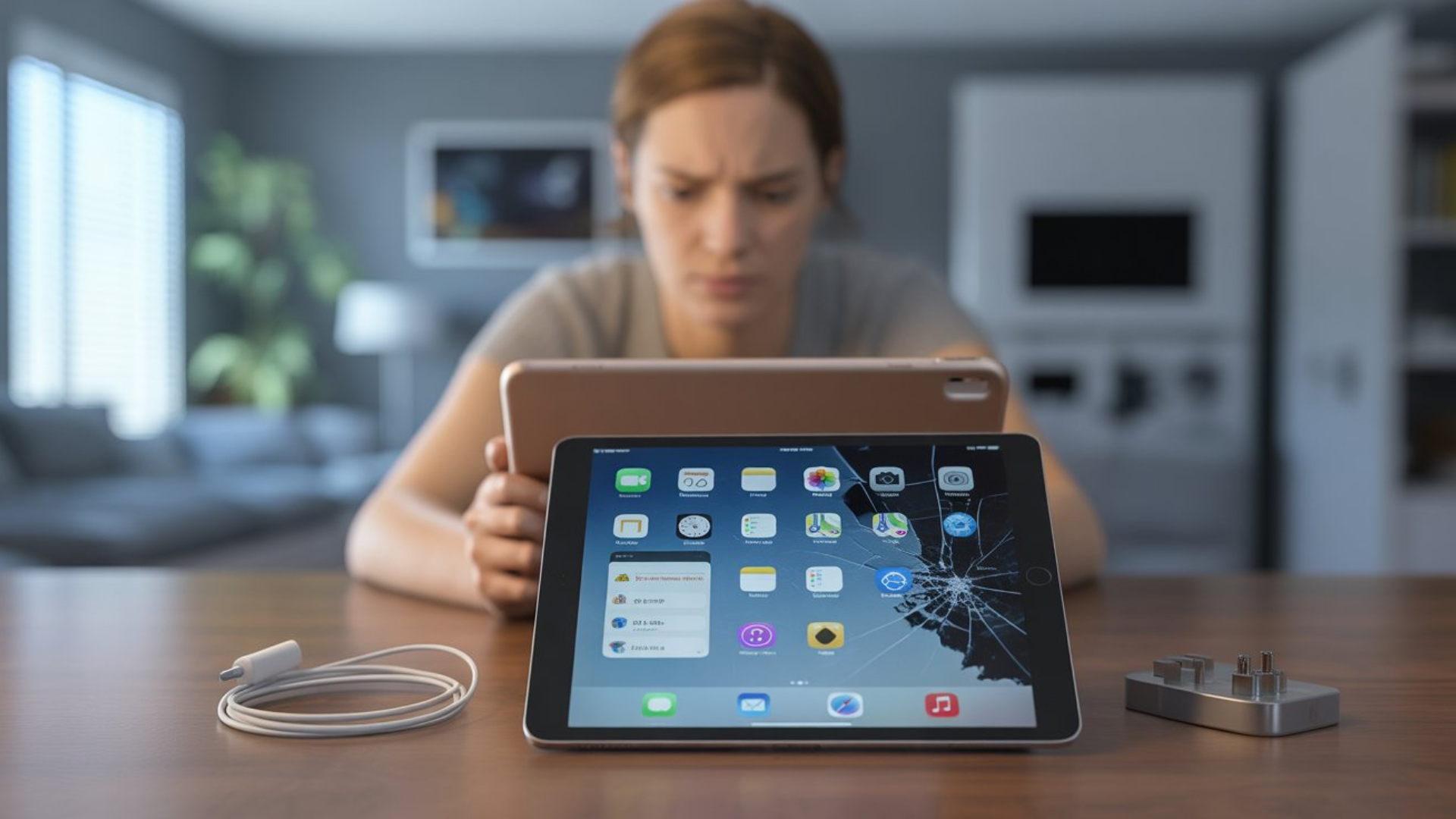
Understanding the Apple iPad 6th Generation
A software glitch is any unexpected behaviour your laptop shows that was not intentional. This includes screen freezing, unexpected restarts, application errors, slow performance, unresponsive keyboard or touchpad, corrupted files opening incorrectly, and programs crashing mid-use. In many cases, users start considering laptop repairs when these issues become frequent or difficult to manage.
The word “random” is key here. These glitches do not follow a pattern you can easily predict. They come and go, which makes diagnosing them even harder. Many users in Australia and around the world report that their laptops started glitching without any recent installs, which leads to the assumption that the device is simply dying. In most cases, that is not true at all.
Common Problems Users Notice First
These are the issues most users notice early on or after a few years of use.
Screen Issues and Touch Problems
One of the most reported problems with the iPad 6th gen is touchscreen unresponsiveness. Users often notice that the screen does not register touch properly, especially near the edges. In some cases, the display flickers or shows a yellow tint.
A real example shared by many Reddit users and Apple Community forum members involves the iPad screen randomly going black mid-use. This is often linked to a software glitch or a loose display connector inside the device.
Other display issues include:
Dead pixels appearing on the Retina display, screen cracking due to the all-glass front design. Ghost touches where the screen registers taps that never happened
These touchscreen faults are among the leading reasons users seek iPad screen repair in Adelaide.
Battery Draining Faster Than Normal
Battery drain is arguably the number one complaint among older iPad 6th-gen users. The original battery capacity was around 32.9 Wh, but after a few hundred charge cycles, lithium-ion batteries degrade significantly.
Signs your battery needs attention:
The iPad shuts down suddenly, even when it shows a charge remaining. Charging takes much longer than before. The battery percentage jumps around oddly. The device gets warm during charging
Apple’s own battery health data shows that lithium-ion batteries retain about 80% of their original capacity after 500 complete charge cycles. If your iPad has passed that mark, a battery replacement is worth considering.
iPad Not Charging or Charging Slowly
This is another very common complaint. Sometimes the issue is as simple as a dirty Lightning port. Dust, lint, and debris from pockets and bags can block the charging connection over time.
Other times, the issue lies with the charging cable itself, the adapter wattage, or even a fault in the iPad’s charging circuit.
Understanding the Root Causes
Now that you know what the symptoms are, let us dig into why these problems happen.
Software-Related Issues
Many iPad 6th-gen problems are tied directly to software. Running an outdated version of iPadOS can trigger:
App crashes and freezing Wi-Fi and Bluetooth connectivity drops. Slow performance and lagging animations. Issues with FaceTime, iCloud syncing, and Apple ID sign-in
When Apple releases new iPadOS updates, older devices sometimes struggle to keep up. The iPad 6th gen can run iPadOS 16, but some users report that performance slows noticeably after upgrading.
In many cases, professional Software Repairs or a factory reset and clean operating system install can resolve persistent issues and restore smoother performance.
Hardware-Related Causes
Hardware problems are more serious and often require physical repair. These include:
A damaged or swollen battery, a cracked or non-responsive digitiser (the layer that detects touch), a faulty front camera or rear camera, speaker distortion, or a microphone not working. Home button failure (the iPad 6 still uses a physical Home button with Touch ID)
The Home button on the iPad 6th gen is calibrated to that specific device. If it is replaced by a non-Apple technician without proper recalibration tools, Touch ID may stop working.
Network and Connectivity Problems
Wi-Fi dropping randomly is a surprisingly widespread issue for this model. Users on Apple’s support forums have documented consistent Wi-Fi disconnections, especially after software updates.
Bluetooth pairing failures are also common, particularly when trying to connect an Apple Pencil, Bluetooth keyboards, or wireless headphones.
The fixes for these often involve:
Resetting network settings, forgetting and reconnecting to Wi-Fi, toggling Aeroplane Mode on and off, and checking router settings for compatibility
Practical Troubleshooting Steps You Can Try at Home
Before spending money on a repair, try these steps yourself.
Step 1: Restart or Force Restart Your iPad
A simple restart fixes more problems than most people expect. For the iPad 6th gen, press and hold the Power button until the slider appears, then drag it. If the iPad is frozen, hold the Home button and Power button together until the Apple logo appears.
Step 2: Update iPadOS
Go to Settings, then General, then Software Update. An outdated operating system is often behind sluggish performance, app crashes, and connectivity issues.
Step 3: Check Storage Space
Go to Settings, then General, then iPad Storage. If your device is nearly full, it will slow down significantly. Delete unused apps, offload old photos to iCloud, and clear browser cache.
Step 4: Reset Network Settings
Go to Settings, then General, then Transfer or Reset iPad, then Reset, then Reset Network Settings. This clears saved Wi-Fi passwords and Bluetooth pairings but often fixes ongoing connectivity issues.
Step 5: Clean the Lightning Port
Use a toothpick or a soft brush to gently clean the Lightning port. Compressed air also works. Never use metal objects as they can damage the pins.
Step 6: Check Battery Health
Go to Settings, then Battery, then Battery Health. If it is below 80%, your battery is degraded, and replacement is recommended.
Step 7: Restore via iTunes or Finder
If all else fails, connecting your iPad to a Mac or PC and performing a restore through Finder (or iTunes on older systems) can resolve deep software issues. Make sure to back up first.
When to Seek Professional iPad Repair
Some problems go beyond what a home fix can solve. You should see a professional technician when:
The screen is cracked or shattered. Touch input is completely unresponsive despite restarting. The battery is swollen (this is a safety hazard; stop using it immediately). The iPad will not turn on at all. Liquid damage has occurred. The Home button or Touch ID is not working
Attempting to open the iPad 6th gen yourself is not recommended. The display is glued down with strong adhesive, and the internal components are tightly packed. Improper repairs can cause further damage or void any remaining warranty coverage.
FAQ: Quick Answers for iPad 6th Generation Issues
Q: Why does my iPad 6th gen keep freezing?
A: Freezing is usually caused by low storage, outdated software, or too many apps running in the background. Try restarting the device and updating to the latest iPadOS version.
Q: Can the iPad 6th-generation screen be repaired?
A: Yes. A cracked or unresponsive screen can be replaced by a qualified technician. The digitiser and LCD panel can be replaced while keeping the original device.
Q: How long does the iPad 6th-gen battery last?
A: A healthy battery should last 10 hours of regular use. If you are getting significantly less, battery degradation is likely the cause.
Q: Is it worth repairing an iPad 6th gen in 2024?
A: Yes, especially for screen and battery repairs. The device still runs well and handles everyday tasks. A repair is far more cost-effective than buying a new iPad.
Q: Why is my iPad 6th-gen Wi-Fi so slow?
A: Wi-Fi issues are often software-related. Resetting network settings and reconnecting to your router usually helps. A faulty Wi-Fi antenna may be the cause if problems persist.
Q: Can water damage be repaired on an iPad 6?
A: In many cases, yes. The sooner you bring it in after exposure to moisture, the better the chances of recovery.
Get Your iPad Fixed in Adelaide
If you have tried the troubleshooting steps above and your iPad is still not performing the way it should, it might be time to get a professional to take a look. Sam Phone Repair offers reliable iPad and other phone repair services across Adelaide, helping local customers get their devices back in working order without the stress of dealing with big-box retailers or long wait times.
Whether it is a cracked screen, a dead battery, a faulty Home button, or a device that simply will not charge, experienced technicians in Adelaide can diagnose and fix the issue efficiently.
If you are in Adelaide and dealing with any of the issues mentioned above, reaching out to a trusted local repair service is a smart, practical next step.