

You just bought a second-hand phone, popped in your SIM card, and nothing works. Or maybe you switched carriers, and suddenly your device refuses to connect. Sound familiar? You are not alone. Thousands of Australians face this exact frustration every single year, and most of them do not even know what is causing it.
A network-locked phone, also called a carrier-locked phone, is a device that has been programmed by a specific mobile carrier to only work on their network. So if your phone was originally sold by Telstra, it might refuse to work with an Optus or Vodafone SIM. This is a common practice globally and very common in Australia, especially with phones purchased on payment plans.
The good news is that fixing a network-locked phone is absolutely possible, and you can do it without losing a single photo, message, or app on your device. This guide will walk you through everything you need to know, from understanding why your phone is locked to safely unlocking it step by step.
Why Is Your Phone Network Locked in the First Place?
Before jumping into solutions, it helps to understand the root cause. Carriers lock phones for a few key reasons. When you buy a phone on a monthly plan, the carrier subsidizes the cost. To protect that investment, they lock the device to their network, so you keep paying your bill. Once the contract is fully paid off, most carriers are legally required to unlock your phone on request, or you can explore reliable network unlocking services for assistance.
There are also software locks built into the baseband firmware of the device. These are not viruses or damage; they are intentional restrictions placed during manufacturing based on the carrier’s order. Some phones also have regional locks, meaning they only work in certain countries, which is relevant if you have bought a device overseas.
Hardware issues can sometimes mimic a network lock. A faulty SIM tray, a damaged SIM card reader, or a bent SIM card can all make your phone behave as if it is rejecting a SIM. So before assuming your phone is carrier-locked, it is worth ruling out physical damage first.
How to Check If Your Phone Is Actually Network Locked
The first step is confirming whether the issue is truly a carrier lock or something else entirely.
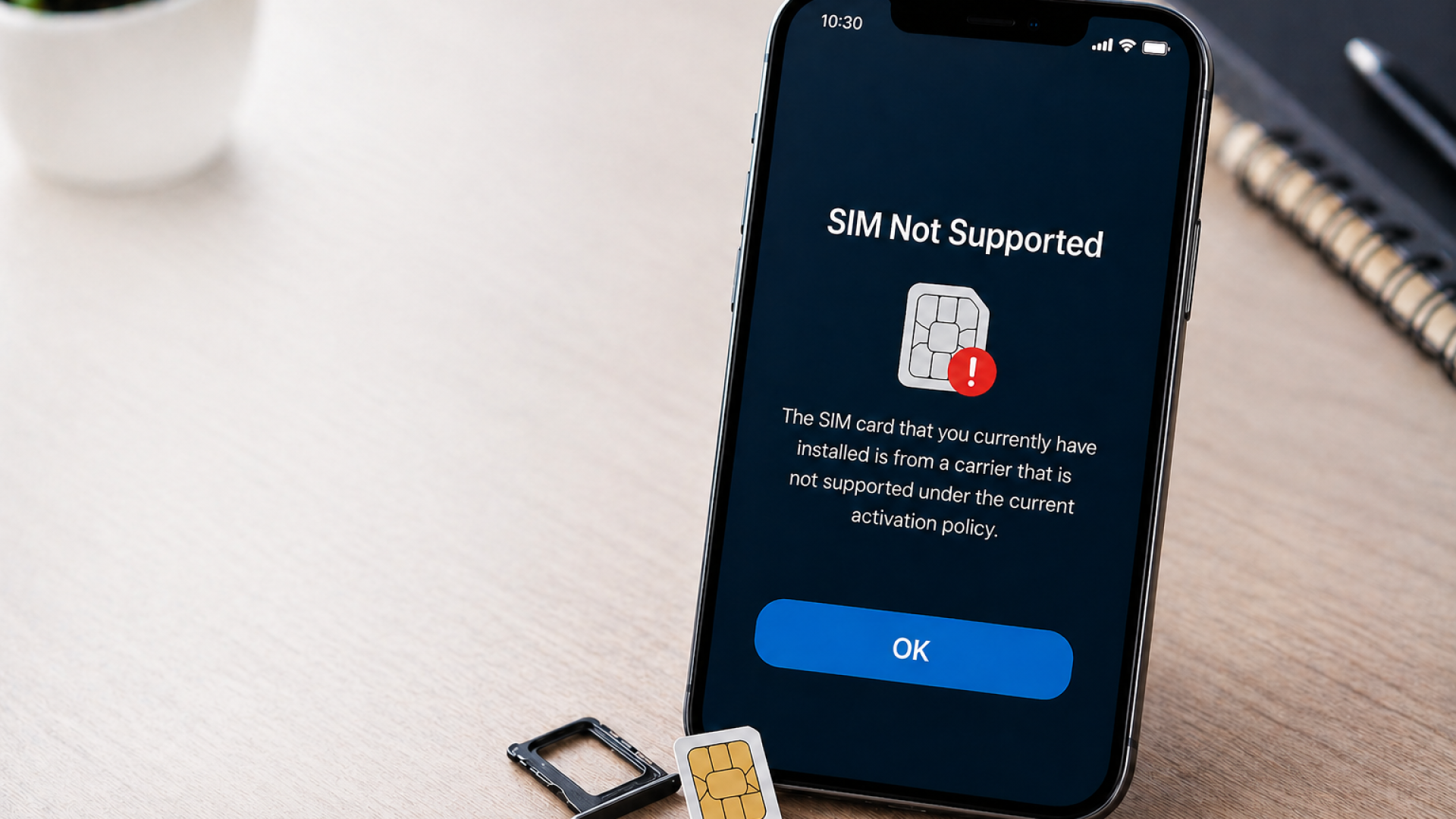
Try inserting a SIM card from a different carrier. If the phone shows “SIM not supported,” “Invalid SIM,” or “SIM not from this network,” it is almost certainly carrier locked. If it shows “No SIM detected” or “SIM failure,” the problem might be hardware-related instead.
You can also dial the USSD code on most Android phones. Go to your dialler and type a specific code, such as hashtag 7465625 to check the lock status on Samsung devices. On iPhones, you can check your lock status through Settings, then General, then About. If it says “No SIM restrictions,” you are already unlocked.
Another reliable method is checking your phone’s IMEI number by dialling the code that is an asterisk followed by the hash symbol, then 06, then the hash symbol again. You can then enter that IMEI number into various online checkers that will tell you the carrier lock status of your specific device.
Safe Ways to Unlock a Network-Locked Phone Without Losing Data
This is where most people get nervous. They have heard horror stories about data loss during unlocking, but the truth is that legitimate unlocking methods do not touch your personal data at all. Here is how to do it safely.
Contact Your Carrier Directly
This is always the first and safest step. In Australia, carriers like Telstra, Optus, and Vodafone are required to unlock your phone once your contract is completed or sometimes even before, for a small fee. Simply call their customer service line or visit a store with your proof of purchase and IMEI number. They will process the unlock remotely, and your phone will update to unlocked status, usually within 24 to 48 hours. No data is touched whatsoever.
Use the Official Unlock Code Method
If your carrier provides an unlock code, you enter it into your phone when prompted. Typically, this works by inserting a new SIM from a different network and turning the phone on. The phone will ask for an unlock code, which your carrier provides. Enter the code, and your phone is free to use on any compatible network. Again, this process does not delete any data.
Third-Party Unlocking Services
There are legitimate online services that can remotely unlock your phone using your IMEI number. They work by submitting your IMEI to carrier databases and requesting a permanent unlock. This process typically takes one to five business days and costs between $10 and $50, depending on the device and carrier. Make sure to use a reputable service with good reviews. Look for services that offer a money-back guarantee and do not ask you to install any software, because legitimate IMEI unlocking never requires installing anything on your phone.
Backup Your Data Before Any Troubleshooting
Even though legitimate unlocking does not erase data, it is always a smart practice to back up before any major change to your device. Use Google Backup on Android or iCloud on iPhone to create a full backup of your contacts, photos, apps, and settings. This takes less than five minutes and gives you complete peace of mind.
Common Mistakes People Make That Actually Risk Their Data
Some people, frustrated with a locked phone, try shortcuts that can genuinely cause harm.
Flashing unofficial firmware or custom ROMs in hopes of bypassing a carrier lock is risky. This process wipes your phone completely and can brick the device if done incorrectly, often leaving you in need of Data Recovery solutions. Similarly, downloading apps that claim to “unlock” your phone instantly are almost always scams. They either steal your personal data or simply do not work.
Factory resetting your phone will not unlock a carrier-locked device. It only erases all your data without solving the actual problem. This is one of the most common mistakes and one of the most costly in terms of data loss.
Avoid any service that asks you to root or jailbreak your phone solely for unlocking purposes. Rooting may void your warranty, expose your device to security risks, and still not solve the carrier lock issue.
When to See a Professional Repair Technician
If you have tried contacting your carrier, used a legitimate IMEI unlock service, and your phone still shows network errors, there may be a deeper issue at play.
Signs you need professional help include your phone not recognising any SIM card at all, error messages appearing even after an unlock confirmation from your carrier, physical damage around the SIM card slot, or your phone getting stuck during the unlocking process.
A qualified technician can check whether there is hardware damage to the SIM reader, inspect for water damage affecting connectivity components, verify whether the IMEI has been incorrectly flagged or blacklisted, and reflash carrier settings correctly without data loss.
Getting professional help early saves both time and the risk of making things worse through trial and error.
Frequently Asked Questions
Q: Will unlocking my phone delete my data?
A: No. Legitimate carrier unlocking through your carrier or an IMEI-based service does not delete any data from your phone.
Q: Is it legal to unlock a phone in Australia?
A: Yes. Unlocking a phone you own is completely legal in Australia. Carriers are also required by the ACCC to unlock devices upon request once contract obligations are met.
Q: Can I unlock a phone that is still on a payment plan?
A: Some carriers will unlock your phone before the plan ends for a fee. It depends on your carrier’s specific policy. Contact them directly to find out your options.
Q: What if my phone is blacklisted, not just locked?
A: A blacklisted IMEI is different from a carrier lock. It means the phone has been reported stolen or lost. Unlocking will not fix a blacklisted device, and using one may be a legal issue. Always check the IMEI status before buying a second-hand phone.
Q: How long does an official carrier unlock take in Australia?
A: Most Australian carriers process unlock requests within 24 to 72 hours. Some can be done instantly if you visit a store in person.
Get Help From Local Experts in Adelaide
Dealing with a network-locked phone can be stressful, especially when you are worried about losing your contacts, messages, and memories stored on the device. The good news is that with the right approach, you can resolve it safely and quickly.
If you have worked through these steps and still need assistance, or if you suspect a hardware issue is behind the problem, it helps to speak with a trusted local technician. Sam Phone Repair, located in Adelaide, Australia, offers professional phone repair services for a wide range of device issues, including network and SIM-related problems. Dropping in for an expert assessment can save you a lot of time and give you confidence that your data stays exactly where it belongs.