

Google Pixel smartphones are known for their clean Android experience, advanced cameras, and regular updates, but many users in 2026 are reporting serious battery and performance problems. From sudden battery drain to lagging apps and overheating, these issues can quickly turn a premium device into a daily frustration. If you are searching for Google Pixel Repair in Adelaide, understanding these problems early can help you avoid permanent damage, expensive repairs, and unexpected data loss.
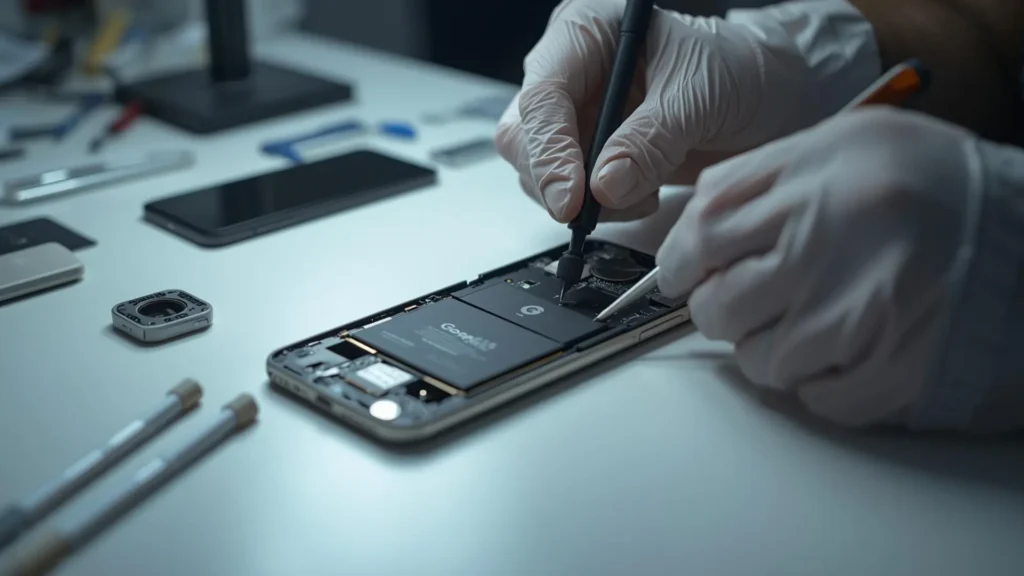
Common Battery & Performance Problems in Google Pixel (2026)
In 2026, Google Pixel users are facing a range of recurring issues that affect daily usage. The most common complaints include rapid battery drain even with minimal use, phones heating up during normal tasks, frequent app crashes, and noticeable lag while switching between applications. Some users also experience sudden shutdowns when the battery percentage appears stable. These symptoms indicate deeper software or hardware stress that should not be ignored.
Risk of Ignoring Battery and Performance Issues
Ignoring battery and performance problems can lead to serious consequences over time. Continuous overheating can damage internal components, while unstable power delivery may corrupt system files. When a phone starts freezing or shutting down unexpectedly, there is a high risk of losing important photos, contacts, and documents. In such cases, professional Data Recovery becomes essential to retrieve critical information before the device becomes completely unusable.
5 Main Reasons Behind Google Pixel Battery Drain
Several everyday settings and habits contribute significantly to battery drain and performance decline:
- Background Apps – Apps running silently consume CPU power and battery even when not in use.
- Screen Brightness – High brightness levels dramatically increase power consumption.
- Location Services – Constant GPS tracking drains battery and stresses system resources.
- Push Notifications – Continuous syncing keeps the phone active, reducing standby efficiency.
- Battery Age – Over time, lithium batteries lose capacity, leading to faster drain and instability.
Managing these factors can slow down battery degradation but may not fully resolve deeper issues.
Display Power Consumption Problems
Display-related issues are a major cause of excessive battery usage in Google Pixel phones. Prolonged screen-on time, high resolution output, and increased brightness force the device to draw more power, leading to heat buildup. Overheating caused by extended video streaming, gaming, or navigation directly impacts performance. Phones equipped with OLED Display Panels can also consume more energy when pixels degrade or when display optimization fails, placing additional strain on the battery.
When Battery & Performance Issues Become Critical
As battery health deteriorates and performance instability increases, Google Pixel devices may begin freezing, restarting randomly, or failing to boot altogether. At this stage, the risk of complete system failure is high. Users often realize too late that their files are inaccessible due to sudden shutdowns or corrupted storage. Seeking professional Data Recovery at this point can help salvage important data before irreversible damage occurs.
Processor & Performance Management Issues
Performance issues are often linked to how the phone manages processing power during daily tasks. Frequent system updates, combined with multitasking and heavy app usage, can result in performance throttling. When several background processes run simultaneously, heat generation increases, forcing the system to reduce speed to protect hardware. Devices powered by Tensor chips may experience noticeable slowdowns under sustained load, especially during gaming, video editing, or extended camera use.
Hardware Wear and Display Degradation
Over time, internal hardware components naturally wear down, affecting power efficiency and stability. Aging displays may require more energy to produce the same brightness, increasing overall power consumption. Degraded OLED Display Panels can also cause uneven brightness, flickering, or excessive heat, all of which negatively impact battery life and system performance. These issues often indicate the need for professional inspection rather than software fixes.
Warning Signs You Should Not Ignore
Certain warning signs indicate that battery and performance problems have reached a dangerous level. These include battery swelling, excessive heat during idle use, drastic performance drops, and phones shutting down at random percentages. Ignoring these symptoms can result in permanent hardware failure. In severe cases, immediate action is required to protect personal data, and expert Data Recovery services may be the only way to retrieve valuable information safely.
Frequently Asked Questions
FAQ 1: Why is my Google Pixel battery draining faster in 2026?
Battery drain is often caused by a combination of aging batteries, background apps, high screen brightness, constant location tracking, and system updates that increase power demand.
FAQ 2: Can performance lag damage my Google Pixel phone?
Yes. Persistent lag often indicates overheating or hardware stress, which can shorten component lifespan and lead to permanent damage if left unresolved.
FAQ 3: Is it safe to keep using an overheating Google Pixel?
No. Continued use of an overheating device can damage internal components, reduce battery health, and increase the risk of sudden failure.
Conclusion
Battery and performance problems in Google Pixel phones should never be ignored, especially as devices age and usage demands increase. Early diagnosis and professional repair can prevent costly damage and protect your data. If your Pixel is overheating, draining fast, or slowing down, trust the experts at SAM Phone Repair for reliable diagnostics and quality repairs. Book your inspection today and restore your device’s performance before the damage becomes permanent.