

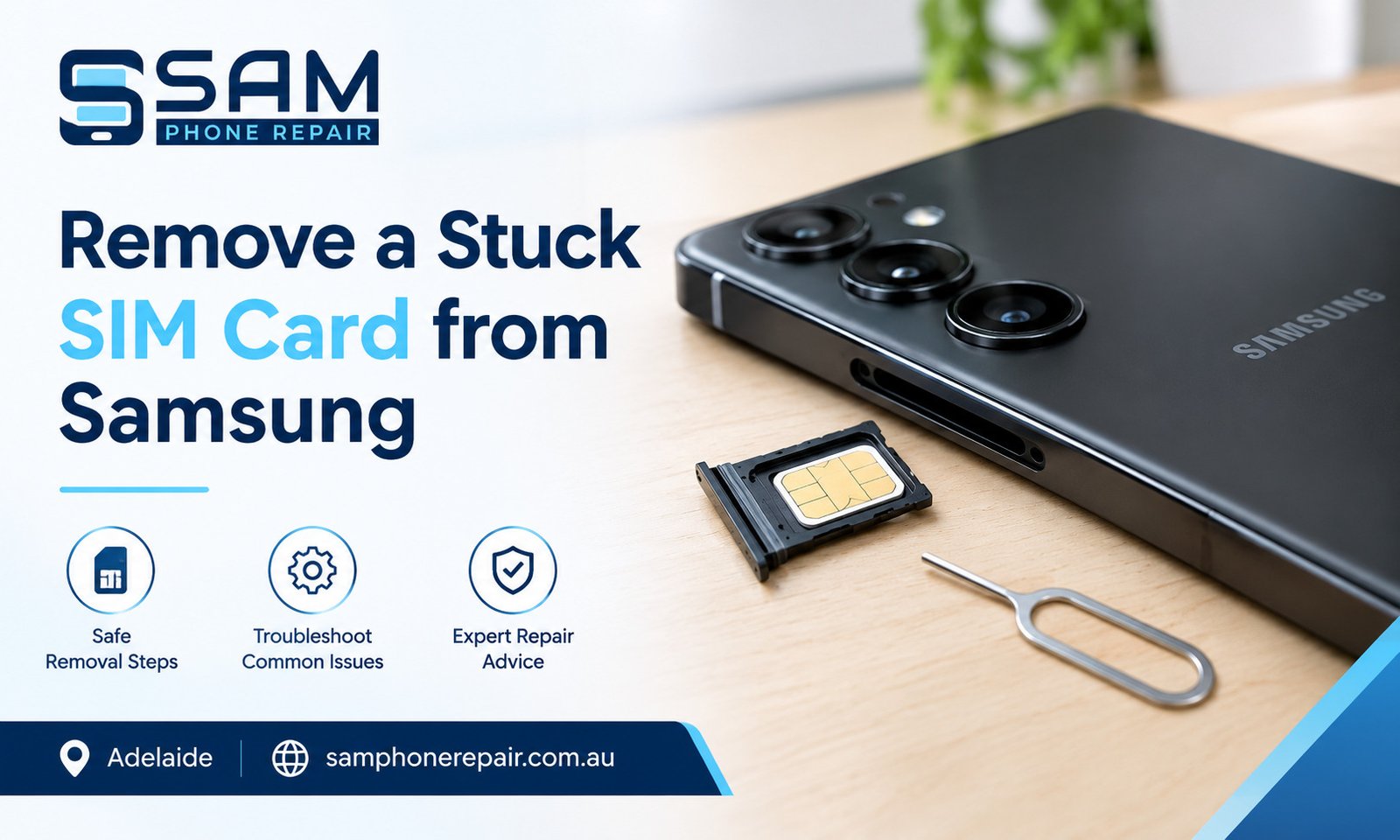
A SIM card that gets stuck inside a Samsung phone can be frustrating, especially when you need to make calls, receive messages or use mobile data. The problem may occur because the SIM tray is bent, the card is incorrectly positioned, the wrong ejecting tool has been used or the tray has been damaged.
If you are wondering how to remove a stuck SIM card from Samsung, the safest approach is to identify why the tray is not opening before attempting to remove it. Applying excessive force can damage the SIM tray, internal contacts or surrounding phone components.
This guide explains safe removal methods, common mistakes to avoid, and what to do if your Samsung phone also experiences a boot loop or other hardware problems.
Why Does a Samsung SIM Card Get Stuck?
A Samsung SIM tray is designed to open using a compatible SIM ejector tool. However, if you are trying to remove a stuck SIM card from Samsung , issues such as a bent tray, incorrect SIM placement, dust or internal damage can prevent it from coming out smoothly.
Common causes include:
- Incorrect SIM placement: The card may have shifted or become trapped inside the tray.
- Bent or damaged tray: Physical pressure or an accidental drop can distort the tray.
- Wrong ejector hole: Some Samsung models have microphone openings near the SIM tray.
- Dust and debris: Dirt around the tray can interfere with its movement.
- Previous repair damage: An incorrectly installed tray or damaged internal component may prevent normal ejection.
Identifying the likely cause helps you choose a safer solution instead of risking further damage.
How to Remove a Stuck SIM Card from Samsung Safely
Follow these steps before considering professional assistance.
1. Turn Off Your Samsung Phone
Switch off the phone before handling the SIM tray. This reduces the risk of accidental operation while you inspect the device.
If the phone is frozen or repeatedly restarting, do not force the tray while the device is unstable. Allow it to cool if it feels unusually hot.
2. Locate the Correct SIM Tray
Check the edges of your Samsung phone for the SIM tray outline and its small ejector hole. The exact position varies by model.
Consult the device manual if you are unsure which opening belongs to the SIM tray. Do not insert a tool into a microphone hole or another opening.
3. Use the Correct SIM Ejector Tool
Insert the supplied SIM ejector tool straight into the designated hole. Apply gentle, steady pressure until the tray releases.
Avoid twisting the tool, pushing it at an angle or using excessive force. If the tray does not move with gentle pressure, stop rather than attempting to force it out.
4. Inspect the Tray and SIM Card
If the tray opens partially, pull it out gently only if it moves freely. Check whether the SIM card is sitting correctly and whether the tray appears bent, cracked or obstructed.
Do not pull a loose SIM card out with sharp objects, tweezers or pins if it is trapped inside the phone. These tools can damage the SIM contacts or internal components.
5. Stop if the Tray Remains Stuck
If the tray will not release, feels jammed or comes out at an unusual angle, professional inspection may be necessary. A technician can assess whether the problem involves a damaged tray, trapped SIM card or internal obstruction.
The correct removal method depends on your Samsung model and the type of damage. There is no single safe method for every stuck SIM card.
What Should You Avoid When Removing a Stuck SIM Card?
Some common attempts can turn a minor issue into a more expensive repair.
- Do not force the tray using a knife, needle or screwdriver.
- Do not pour water, oil or cleaning liquid into the SIM slot.
- Do not repeatedly push the ejector tool if the tray does not release.
- Do not bend the tray back into shape while it is inside the phone.
- Do not dismantle the phone unless you have the appropriate repair skills and tools.
If the phone has been dropped or exposed to liquid, mention this when seeking assistance. Previous damage can affect the safest repair method.
What If Your Samsung Phone Is Stuck on a Boot Loop?
A SIM tray problem and a boot loop are different issues, although both may appear around the same time.
A Samsung stuck on boot loop problem occurs when the phone repeatedly restarts or remains on the Samsung logo instead of loading the operating system normally.
Possible causes include:
- A failed or interrupted software update.
- Corrupted system files.
- A malfunctioning battery or unstable power supply.
- Damaged hardware following a drop or liquid exposure.
- A faulty component or other system-level problem.
How to Troubleshoot a Samsung Boot Loop
First, connect the phone to a reliable charger and allow it to charge for a while. If the device is unusually hot, swollen or visibly damaged, disconnect it and seek professional help.
If the phone is otherwise safe to handle, try a model-appropriate forced restart using Samsung’s official instructions. The button combination can vary by model.
If the issue began after an update, further software troubleshooting may be necessary. Avoid performing a factory reset before considering your data backup, because resetting the device can erase personal files.
A phone that repeatedly restarts despite basic troubleshooting may need diagnostic testing. The cause should be identified before replacing parts or reinstalling software.
When Do You Need Professional Mobile Repair Services in Adelaide?
Some SIM tray problems can be resolved with gentle, correct ejection. Others require specialised tools and inspection, particularly when the tray is bent, the card has broken inside the slot or the phone has suffered physical damage.
Professional mobile repair services in Adelaide can help diagnose issues such as a stuck SIM tray, charging problems, battery faults and software errors.
When selecting a repair provider, ask what is causing the problem, whether the proposed repair could affect stored data and whether the replacement parts are suitable for your specific Samsung model.
For example, Sam Phone Repair in Adelaide handles phone and device repair enquiries. If your SIM tray is jammed or your phone is experiencing other faults, provide the model number and explain what happened before the problem started.
Other Samsung Problems That May Need Attention
A stuck SIM tray is not the only issue that can affect a Samsung phone. Two other common repair needs involve battery performance and damaged back glass.
Samsung Battery Replacement Adelaide
A worn battery may cause rapid battery drain, unexpected shutdowns or difficulty keeping the phone powered on. However, these symptoms do not always mean the battery is faulty.
Software problems, charging faults and other damaged components can produce similar symptoms. A diagnostic check can help determine whether a Samsung battery replacement Adelaide service is appropriate.
If the battery is swollen, stop using and charging the phone. Do not press on the back cover or attempt to remove the battery yourself.
Samsung Back Glass Replacement Adelaide
The rear glass of a Samsung phone can crack following a drop or impact. Even if the display still works, broken back glass may leave sharp edges and reduce the protection around the device.
A Samsung back glass replacement Adelaide service may be suitable when the rear glass is damaged. The repair requirements depend on the phone model and whether the impact has also affected the frame, camera or internal components.
If the phone has been exposed to moisture after the glass cracked, avoid assuming that its original water resistance remains intact.
SIM Card Removal vs Other Samsung Repairs
|
Problem |
Possible cause |
Recommended next step |
|
SIM tray stuck |
Bent tray, incorrect positioning or obstruction |
Use the correct ejector tool gently; stop if jammed |
|
Phone stuck on boot loop |
Software issue, battery fault or hardware damage |
Try safe basic troubleshooting and seek diagnosis if persistent |
|
Battery drains quickly |
Battery wear, software activity or charging fault |
Check battery health and charging behaviour |
|
Back glass is cracked |
Impact damage |
Protect yourself from sharp edges and arrange an assessment |
|
SIM not detected |
Damaged SIM, poor contact or slot fault |
Check SIM positioning and test with a compatible known-working SIM if safe |
These problems may require different solutions. Replacing the battery or back glass will not, by itself, resolve a jammed SIM tray or a software-related boot loop.
People Also Ask
Can I remove a stuck SIM card without an ejector tool?
A suitable SIM ejector tool is the safest option. If you do not have one, check the manufacturer’s guidance before using an alternative. Avoid sharp objects and never force the tray.
Why won’t my Samsung SIM tray come out?
The tray may be bent, obstructed, incorrectly positioned or damaged. It is also possible that you are pressing the wrong opening. Check the model instructions and stop if gentle pressure does not release it.
Can a stuck SIM card damage my Samsung phone?
Yes. Excessive force or unsuitable tools can damage the tray, internal contacts or nearby components. A stuck tray should be handled carefully.
Can a Samsung phone boot loop because of a SIM card problem?
A SIM card issue does not usually cause a boot loop. Repeated restarting is more commonly associated with software, power or hardware faults, so the two problems should be assessed separately.
Should I factory-reset a Samsung phone stuck on the logo?
Not as the first step. A factory reset can erase personal data and may not resolve a hardware fault. Try appropriate basic troubleshooting first and consider data recovery before any destructive procedure.
Frequently Asked Questions
1. How much force should I use to remove a stuck Samsung SIM tray?
Use only gentle, straight pressure with the correct ejector tool. If the tray does not release, stop. Greater force can bend the tray or damage internal components.
2. What should I do if the SIM card breaks inside my Samsung phone?
Do not push the remaining piece further into the slot or try to extract it with a sharp tool. Professional inspection is the safer option.
3. Will removing the SIM card delete my photos and contacts?
Removing a SIM card normally does not delete photos stored on the phone. However, contacts stored on the SIM may no longer be accessible until the card is reinserted. Cloud-synced and phone-stored contacts are separate.
4. Can a damaged SIM tray be replaced?
In many Samsung models, a damaged tray can be replaced with a compatible part. If the internal SIM reader or surrounding components are damaged, additional repair may be required.
5. How can I prevent my Samsung SIM tray from getting stuck again?
Use a compatible SIM card, position it correctly, keep the tray clean and dry, and avoid inserting a bent tray. Never force the tray back into the phone if it does not slide in smoothly.
Quick Summary
- Use the correct SIM ejector tool and apply gentle, straight pressure.
- Never force a jammed tray or use sharp objects to remove a trapped card.
- A boot loop is usually a separate software, power or hardware problem.
- Battery faults and cracked back glass require different diagnostic and repair approaches.
- If the tray remains stuck, stop and arrange a professional inspection to reduce the risk of further damage.
The safest solution is to identify the cause before attempting a repair. Following the manufacturer’s instructions and avoiding unnecessary force can help protect your Samsung phone and its stored data.